 PinThemes
 Coffee
PinThemes
Themes for your Pins
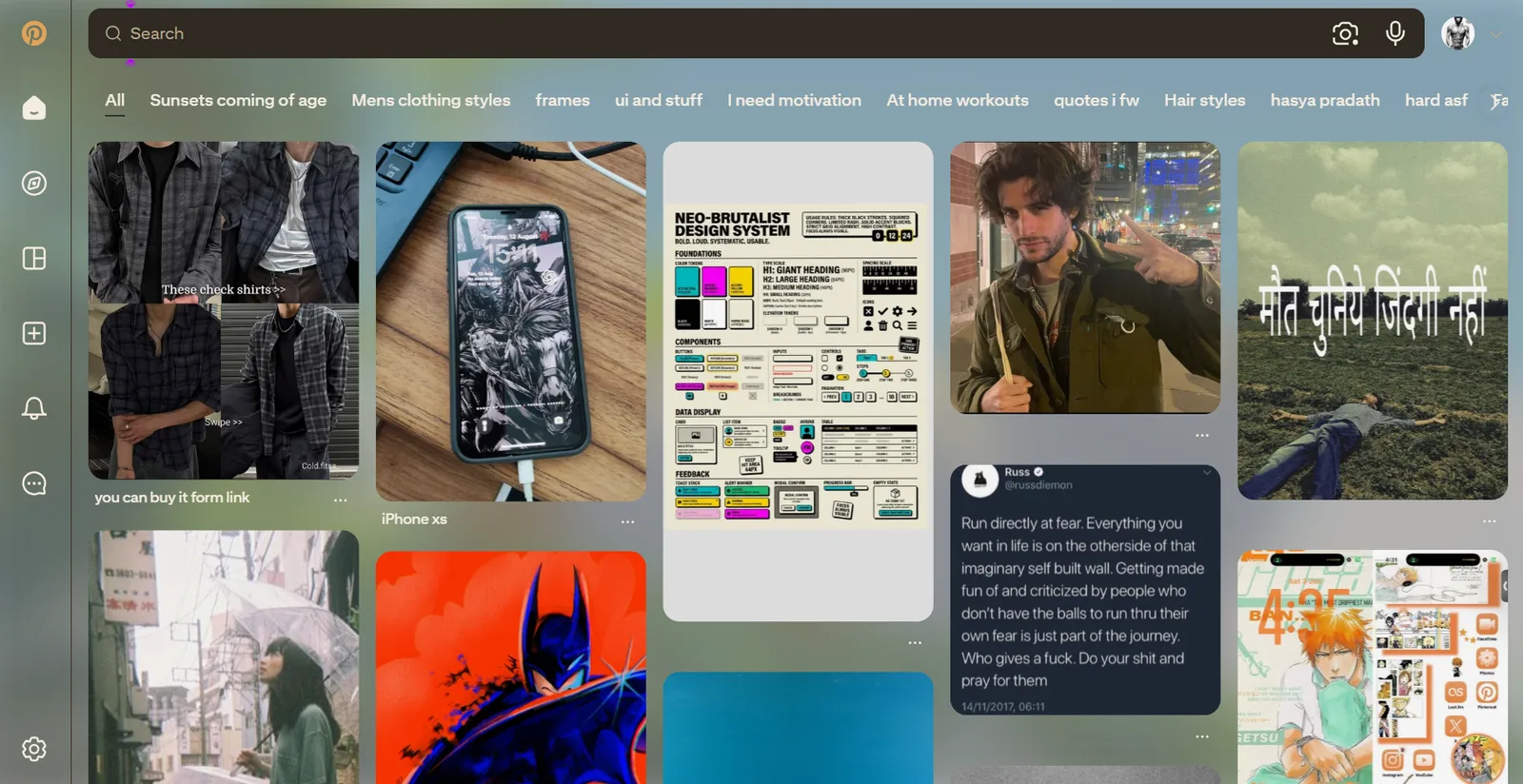
Recolor every surface of Pinterest and drop in your own background image. Free, private, and it never leaves your browser.

8 built-in presets
Midnight
Charcoal
Mono
Forest
Ocean
Plum
Sand
Rose
What it does
Six-color control
Background, Surface, Text, Muted text, Accent, and Border. Hover states, scrollbars and links are derived automatically so the whole site stays cohesive.
Your own background image
Upload any image, with controls for fit, opacity, blur, an overlay tint for readability, and card opacity so it shows through your pins.
8 built-in presets
Midnight, Charcoal, Mono, Forest, Ocean, Plum, Sand, Rose - pick one and go, or use it as a starting point.
Randomize
Generate a fresh, balanced dark palette in one click when you want something new.
Live, no reload
Changes apply instantly to open Pinterest tabs - feed, boards, pins, search, menus, modals, settings.
One-tap master toggle
Flip back to vanilla Pinterest anytime, no need to uninstall or reconfigure.
Questions
- What is PinThemes?
- A Chrome/Edge extension that recolors Pinterest - background, cards, text, links, borders - and can show your own background image behind your pins. Changes apply instantly, no reload needed.
- Does PinThemes work with Pinterest's dark mode?
- PinThemes replaces Pinterest's theming entirely, driven by its Gestalt design system's CSS variables, so it goes further than Pinterest's own dark mode - full six-color control plus a background image, opacity, and blur.
- Does PinThemes collect any data?
- No. It has no servers and no analytics. Your theme settings are stored locally in your browser via chrome.storage.local and never leave your device.
- Which Pinterest domains does it support?
- pinterest.com plus most country domains (.co.uk, .ca, .de, .fr, .es, .it, .jp, .com.au, and more).